In this article we will show you how to add an IMAP email account to your Android phone or tablet. Setting up your email account using IMAP will allow you to sync messages across all your devices while keeping them stored on the mail server.
Step One
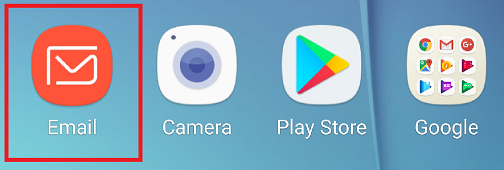
Open the email application.
Step Two
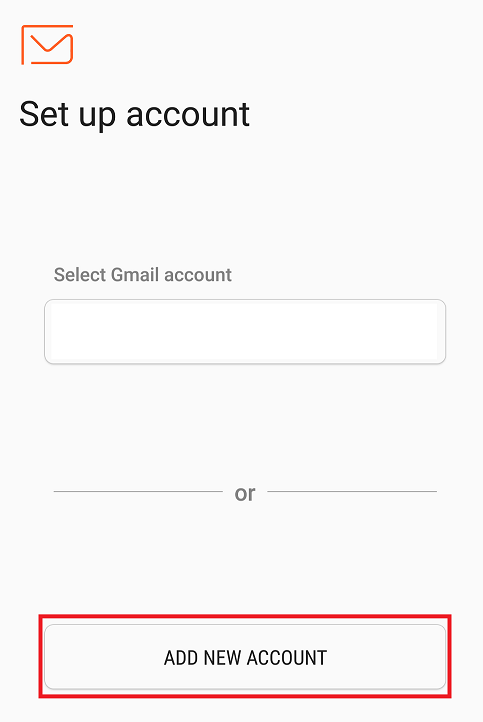
If you have not used the Email app before, you will have the option to Add New Account.
Step Three
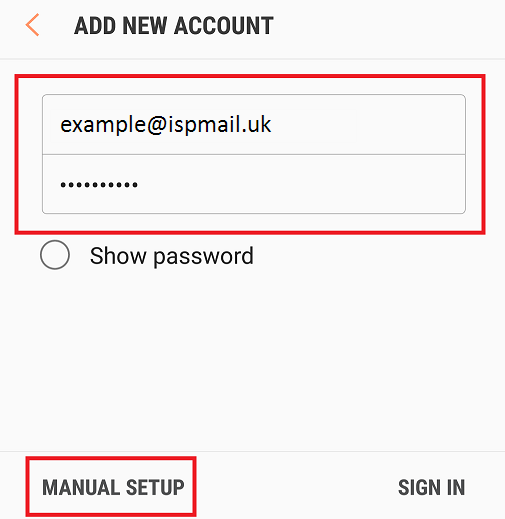
On the next page, enter your email address and password, and choose Manual Setup.
Step Four
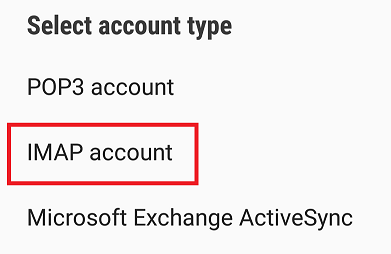
Choose the option for IMAP.
Step Five
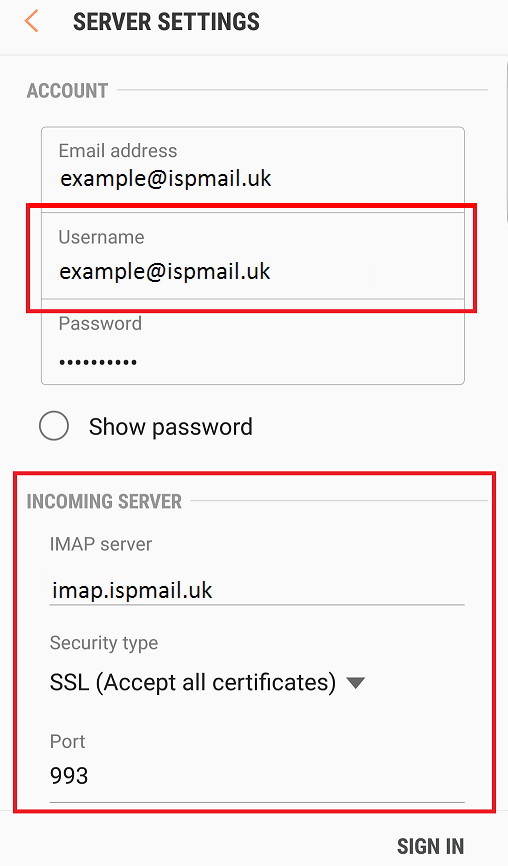
Now enter your email address as the Username and complete the Incoming Server settings as shown below.
Step Six
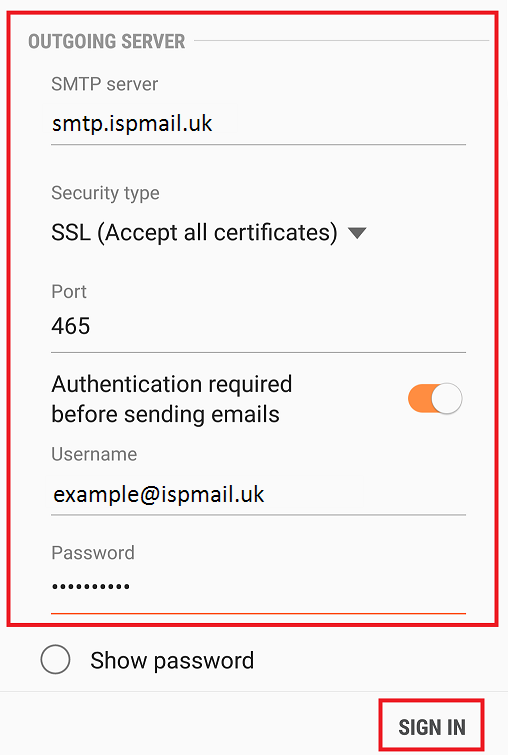
Scroll down and enter the Outgoing Server settings. Once again, you will need to enter your email address and password.
Once you have entered this information, tap Sign In.